Troubleshooting: Wireless Meat Thermometer Not Working
If your wireless meat thermometer is not working, inaccurate readings, burnt probes, or dead batteries are common culprits. Follow this guide for fixes.
Wireless Meat Thermometer Not Working
Inaccurate readings often signal a problem with probe placement, accumulated residue, or physical damage.
Cause 1: Inaccurate Temperature Readings
Erratic temperature jumps, like from 140°F to 195°F and back quickly, indicate an issue. This usually stems from incorrect probe placement, grease buildup on the probe, or internal probe damage. To fix, first ensure the probe tip is inserted at least 3 inches into the thickest part of the meat, avoiding bone. Next, clean the probe thoroughly to remove any residue that might insulate the sensor. If the problem persists, the probe may be damaged and require replacement.
Cause 2: Probe Burnout
A probe that appears scorched or “toasted marshmallow” indicates it exceeded its maximum temperature rating. Most probes can withstand temperatures up to 700°F, but prolonged exposure to direct flame or extremely high oven temperatures can fry the internal thermistor. To prevent this, avoid direct contact with heating elements or flames. Position the probe so only the tip is in the meat, with the cable and base away from extreme heat. Once a probe is burnt, its accuracy is permanently compromised and it needs to be replaced.
Cause 3: Dead Battery or Charging Issues
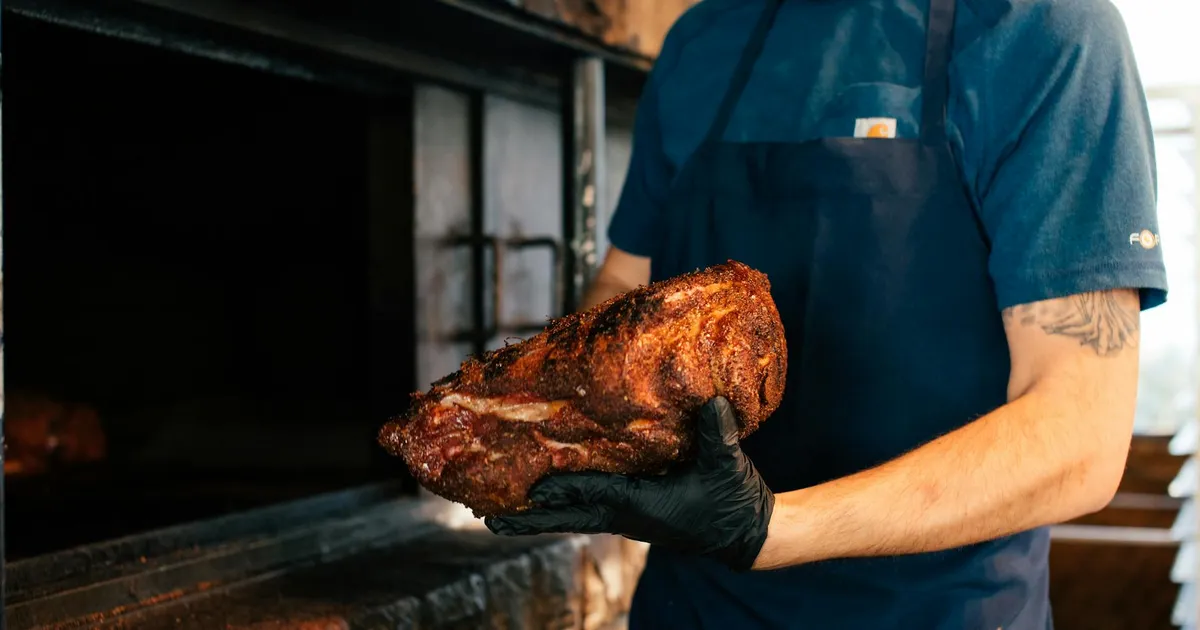
A thermometer that dies mid-cook, especially during a long smoke like a 10-hour brisket, points to battery problems. This typically relates to poor battery care or inconsistent charging habits. Always fully charge your wireless thermometer before each use. For models with rechargeable batteries, follow manufacturer guidelines for optimal charging cycles. If using disposable batteries, replace them with fresh ones before extended cooking sessions.
Cause 4: Signal Interference or Range Issues
Wireless thermometers rely on radio frequencies, which can be disrupted by physical obstacles or other electronic devices. A common range for many wireless units is up to 120 feet indoors, but this can drop significantly with walls or appliances. Some advanced models offer ranges up to 480 feet. Reposition the display unit closer to the probe, ensuring a clear line of sight. Move other kitchen appliances, like microwaves or Wi-Fi routers, away from the thermometer’s path. Test the range in an open area to confirm the device’s true capabilities.
When to Replace
If your thermometer consistently provides inaccurate readings even after troubleshooting, or if the probe is visibly damaged, it’s time for a new one. A reliable thermometer ensures food safety and optimal cooking results. Explore options like the Best Wireless Meat Thermometer For Smoking or the Best Instant Read Thermometer For Oven.
FAQ
Q: How do I calibrate my meat thermometer? To calibrate, immerse the probe in ice water (32°F/0°C) or boiling water (212°F/100°C at sea level). Adjust the thermometer if its reading is off by more than 1.8°F from the known temperature.
Q: Can I use a damaged probe? No, a damaged probe will provide inaccurate readings, which can lead to undercooked or overcooked food. Replace any probe with visible damage or inconsistent performance.
Q: Why does my thermometer lose connection frequently? Frequent disconnections often result from exceeding the wireless range, signal interference from other electronics, or physical obstructions like thick walls. Try moving the receiver closer to the probe for a stronger connection.
- meat-thermometers
- meat